

Start from a template
When you have no checks, Rules shows a gallery of common starting points. Select a template to add a pre-filled draft, then review it before saving.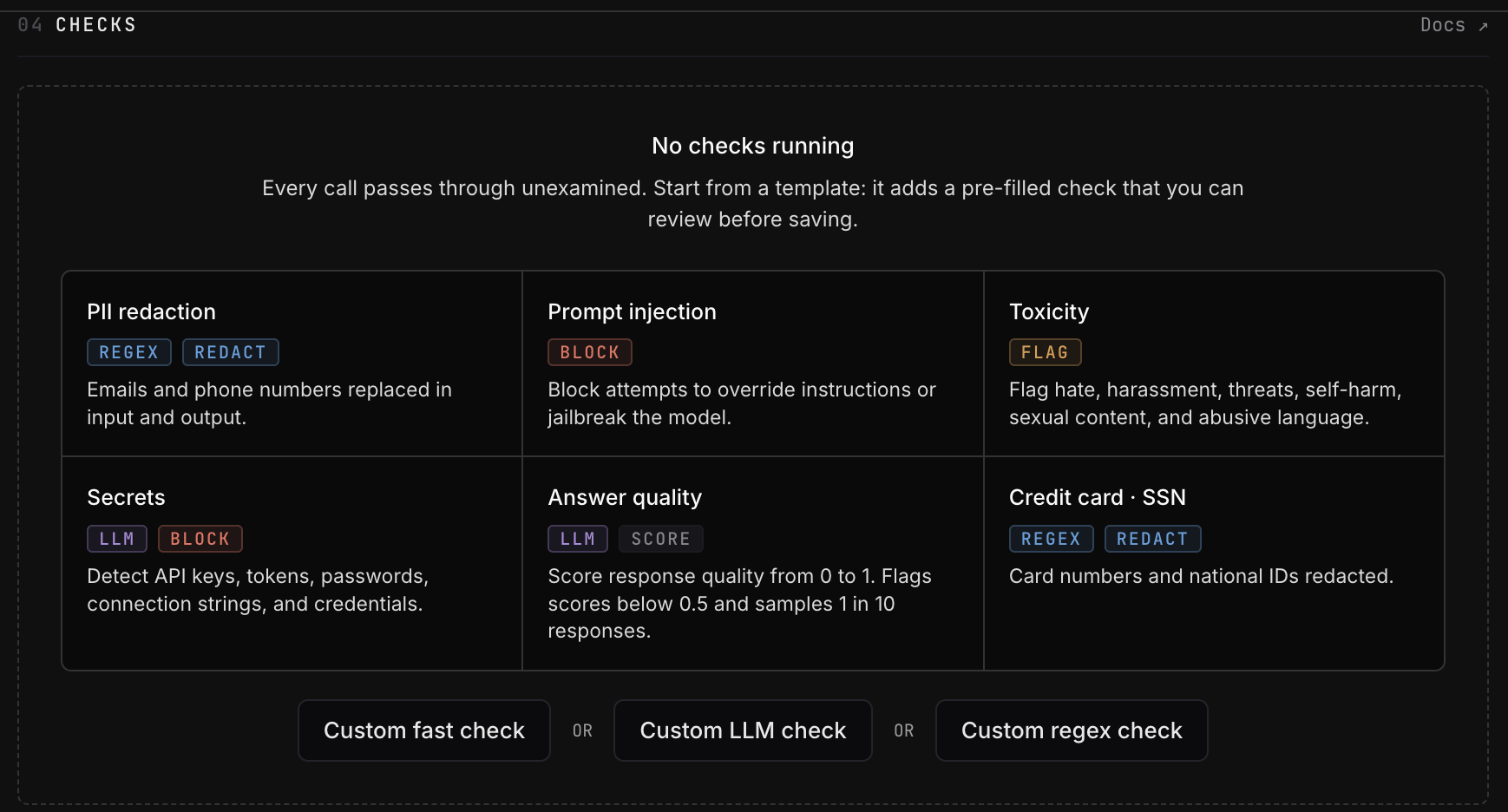
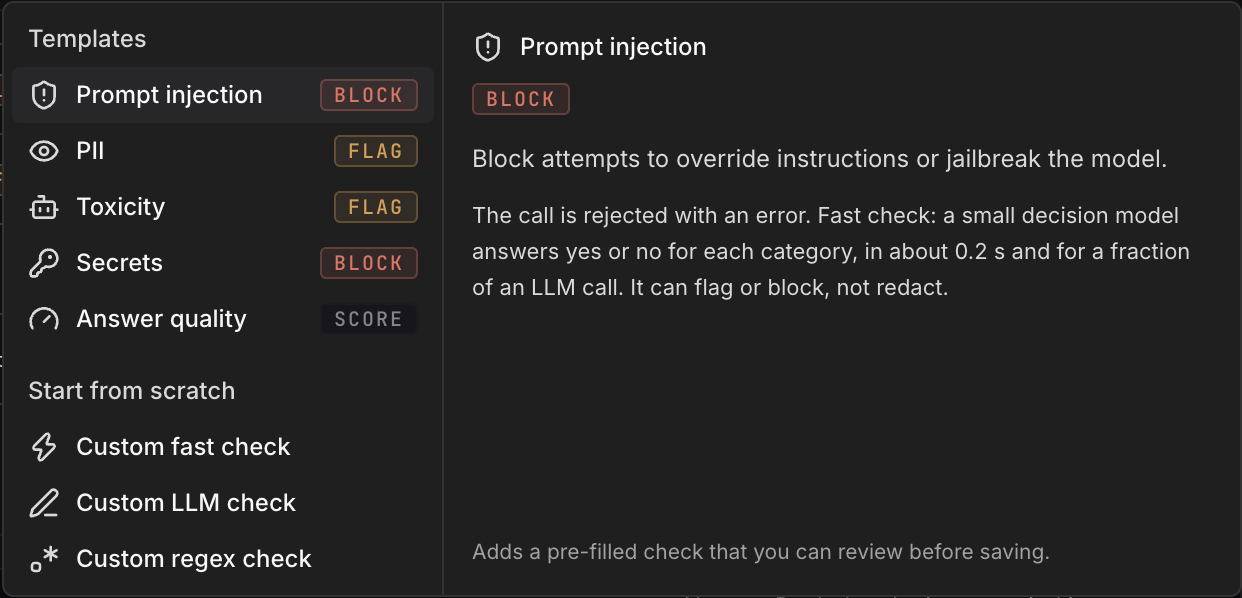
The description pane explains what each template detects and what its default
action will do.
Choose an action
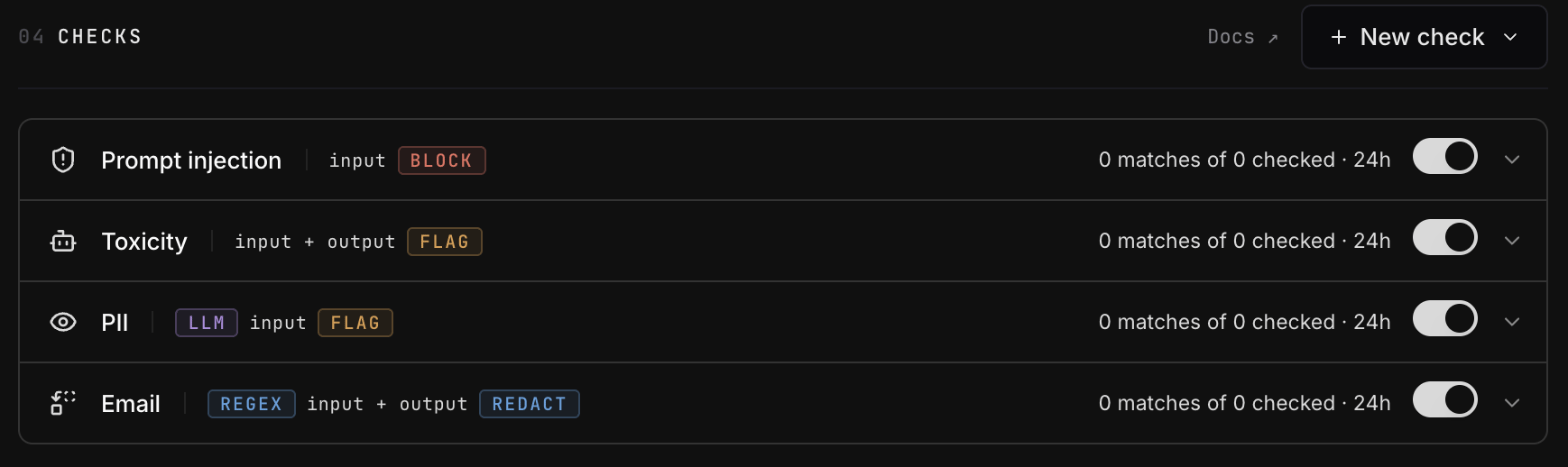
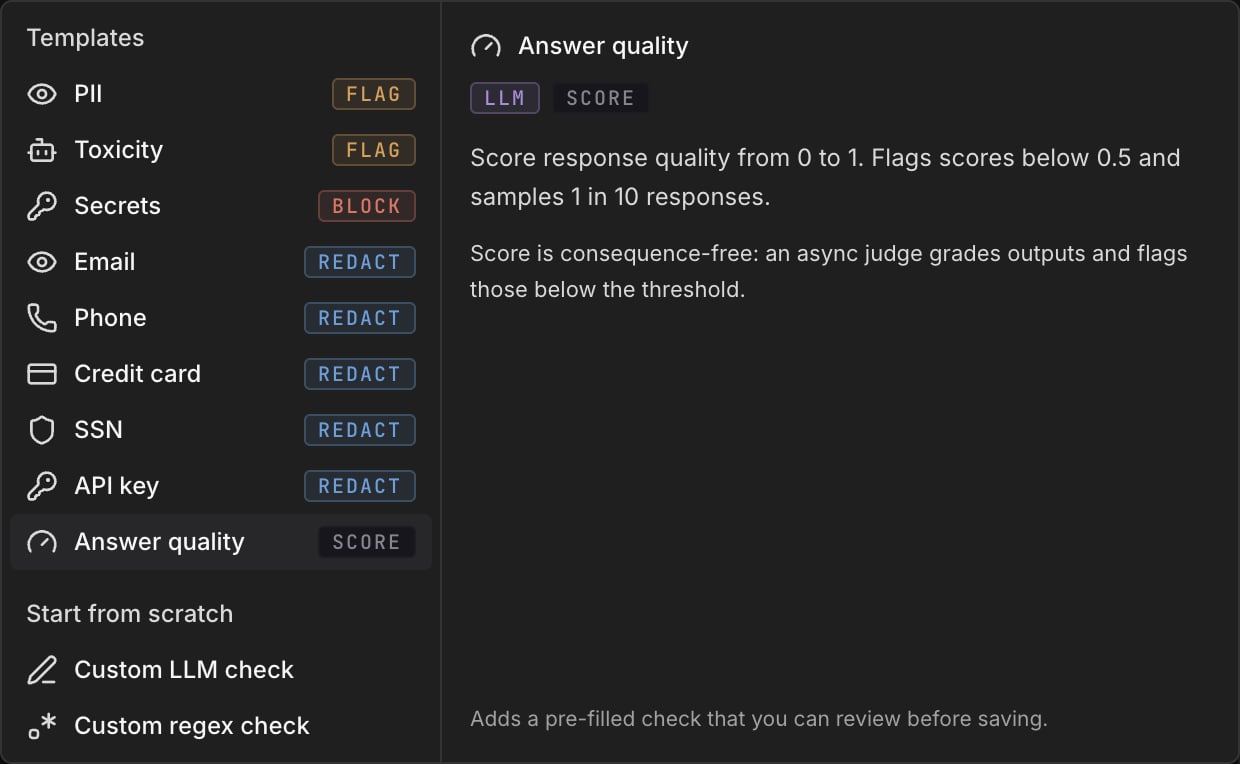
The action determines when a check runs and whether it can change the call.
Score checks are stored and run differently from enforcement checks. Changing a
saved check between Score and another action creates a new check, so its
previous activity history is not carried over.
Choose an engine
Fast checks
Use a fast check when the rule is a yes/no question about the text: is this a prompt injection, is it abusive, does it ask for medical advice. A decision model scores each category from 0 to 1, and the check fires when a score reaches its threshold. Fast checks can flag or block; they cannot redact, because they score the text as a whole rather than pointing at the part to remove.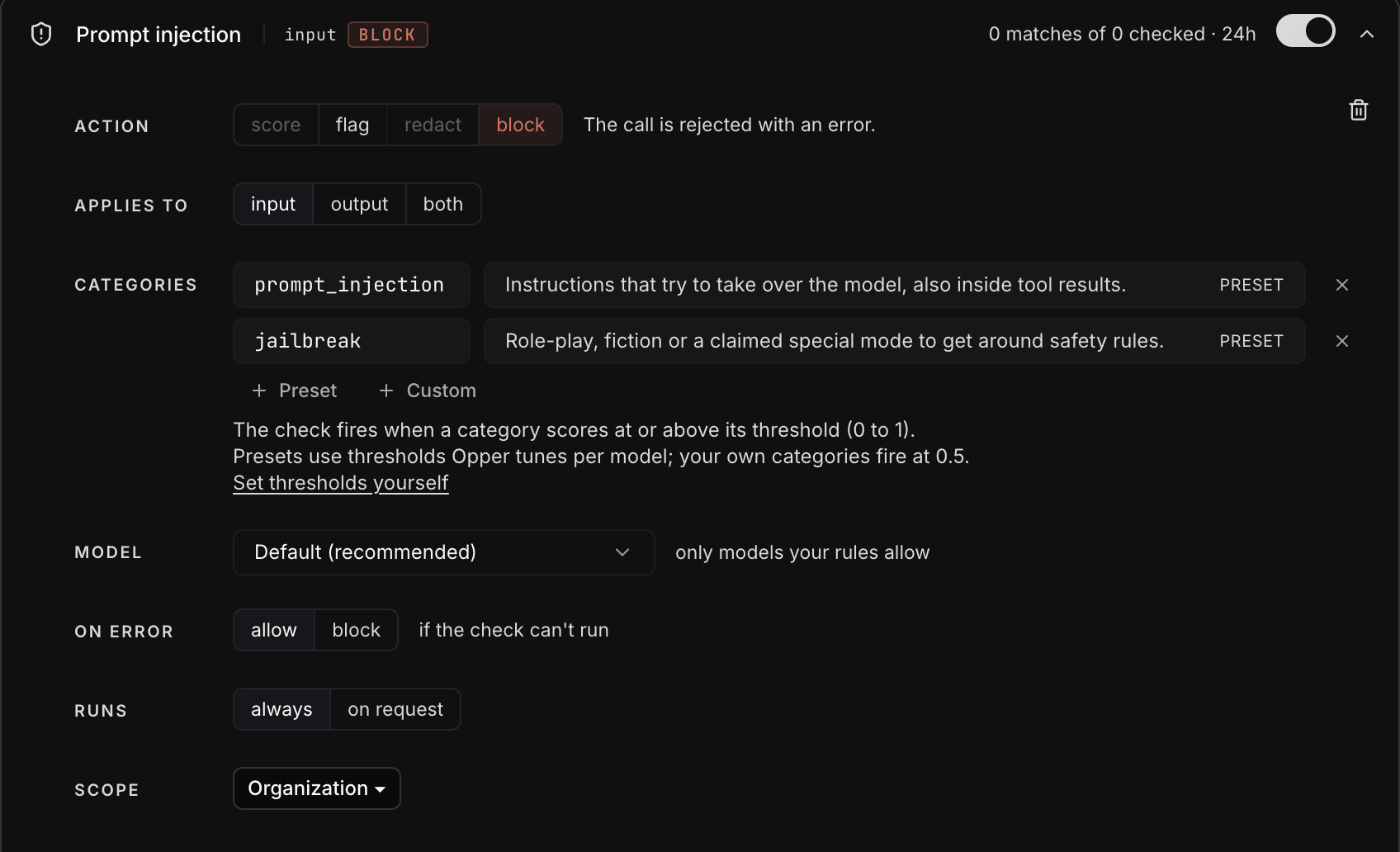
For a category of your own, give it a short name and one sentence that is true
when the text should be caught, such as
medical and “The text asks for
medical advice.”
Thresholds. Presets use thresholds Opper calibrates for each decision
model on public benchmarks, because scores are not comparable across models.
Your own categories fire at 0.5. Select Set thresholds yourself under the
categories to set a threshold for a category; a threshold you set applies on
every model.
Tool results. On input, a fast check reads the user’s messages and the
tool results added since the model last answered, and scores the two apart.
Prompt injection asks tool results its own question, because instructions
hidden in an email or a web page rarely look like an attack.
LLM checks
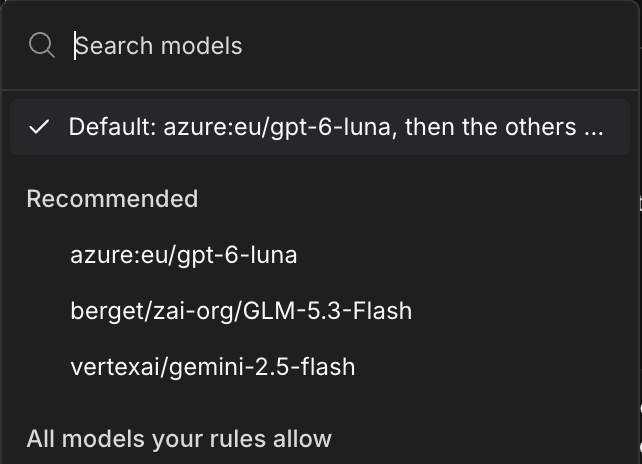
Use an LLM check when the rule depends on meaning or context, for example tone, intent, toxicity, or whether an answer addressed the question.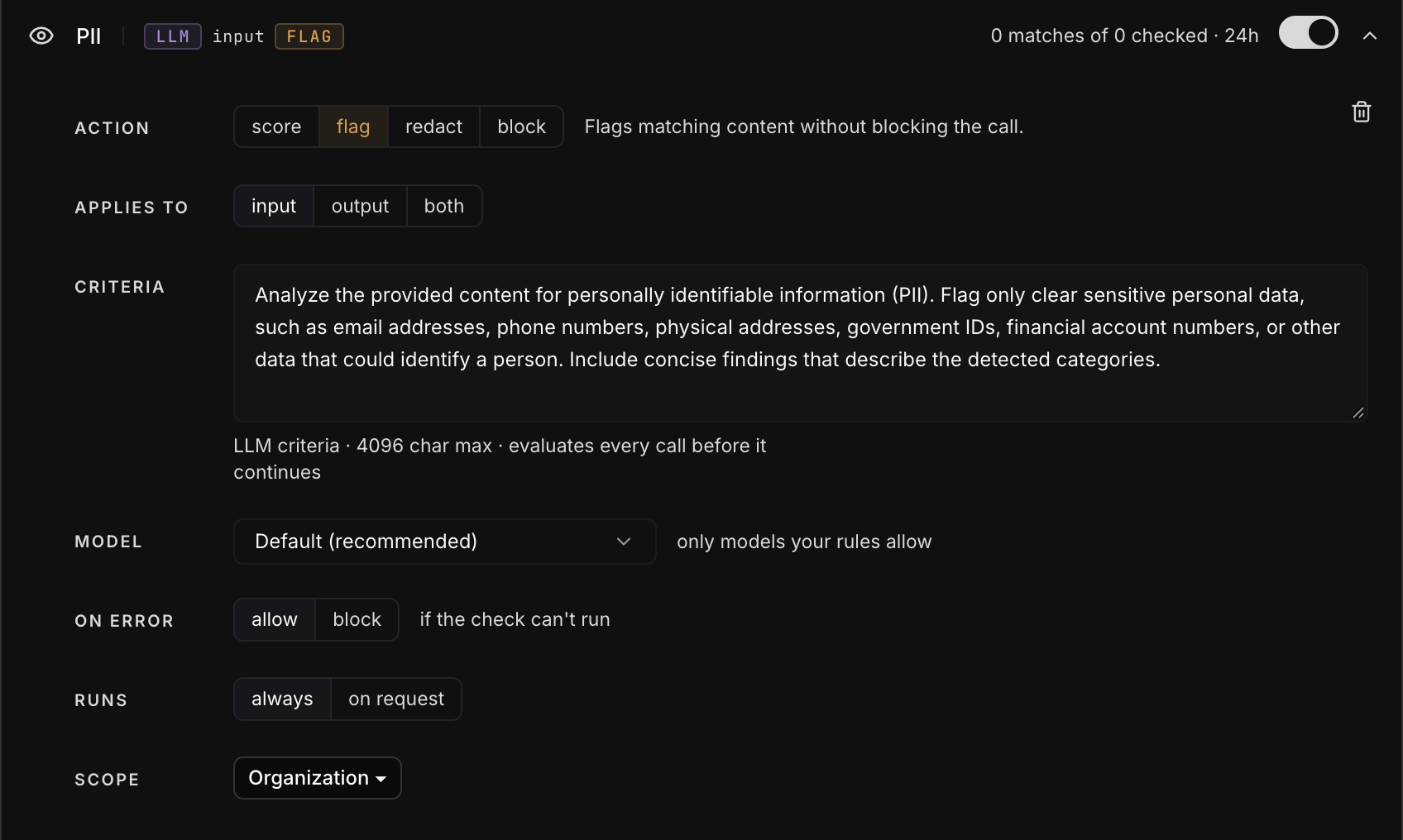
Regex checks
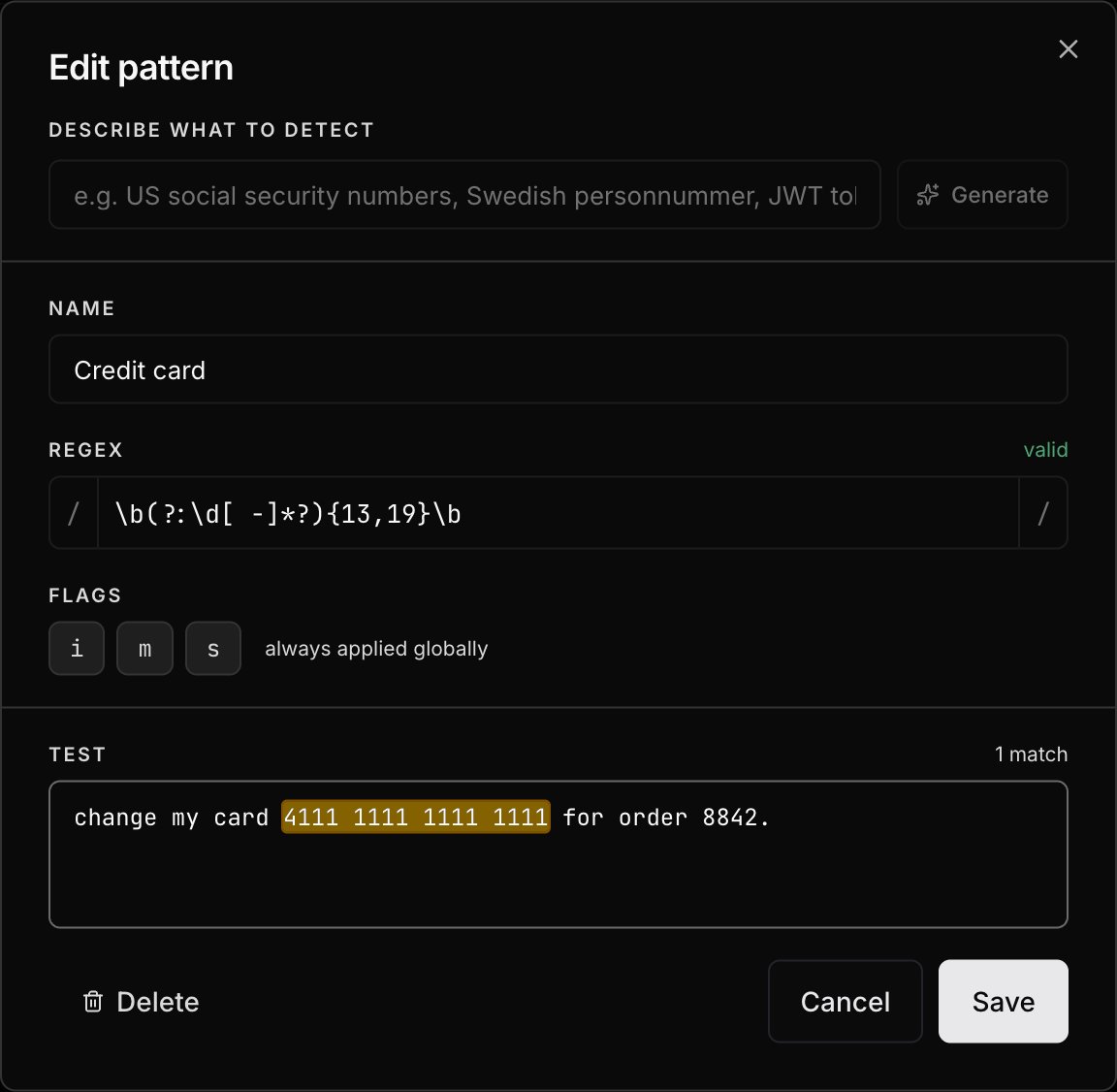
Use a regex check for predictable formats such as email addresses, credit card numbers, SSNs, and API keys. Regex checks do not call a model and cannot use the Score action.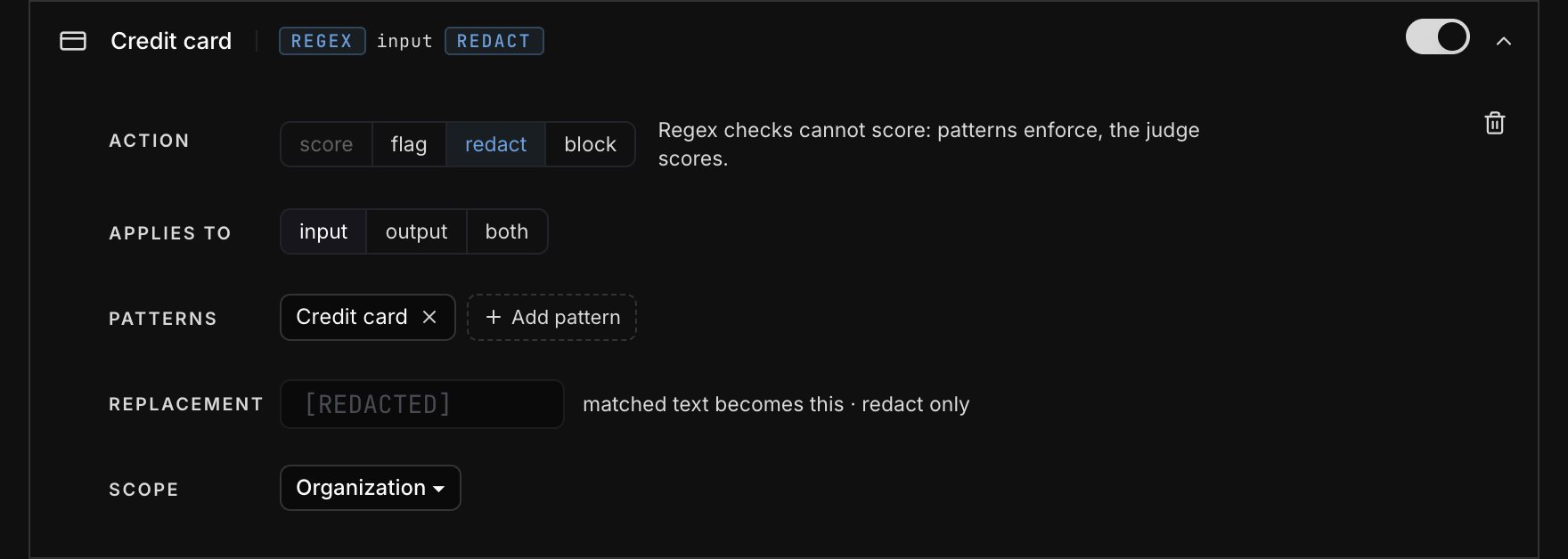
Redaction behavior
When the action is Redact, a regex check replaces each match with*** by
default. An LLM check uses [REDACTED]. Enter a replacement value if you want a
different result.
If an LLM check detects a violation but cannot identify the exact text to
replace, Opper flags the call instead of changing its content. This can happen
with broad findings such as toxicity.
Score checks
Choose Score to evaluate response quality after a call completes.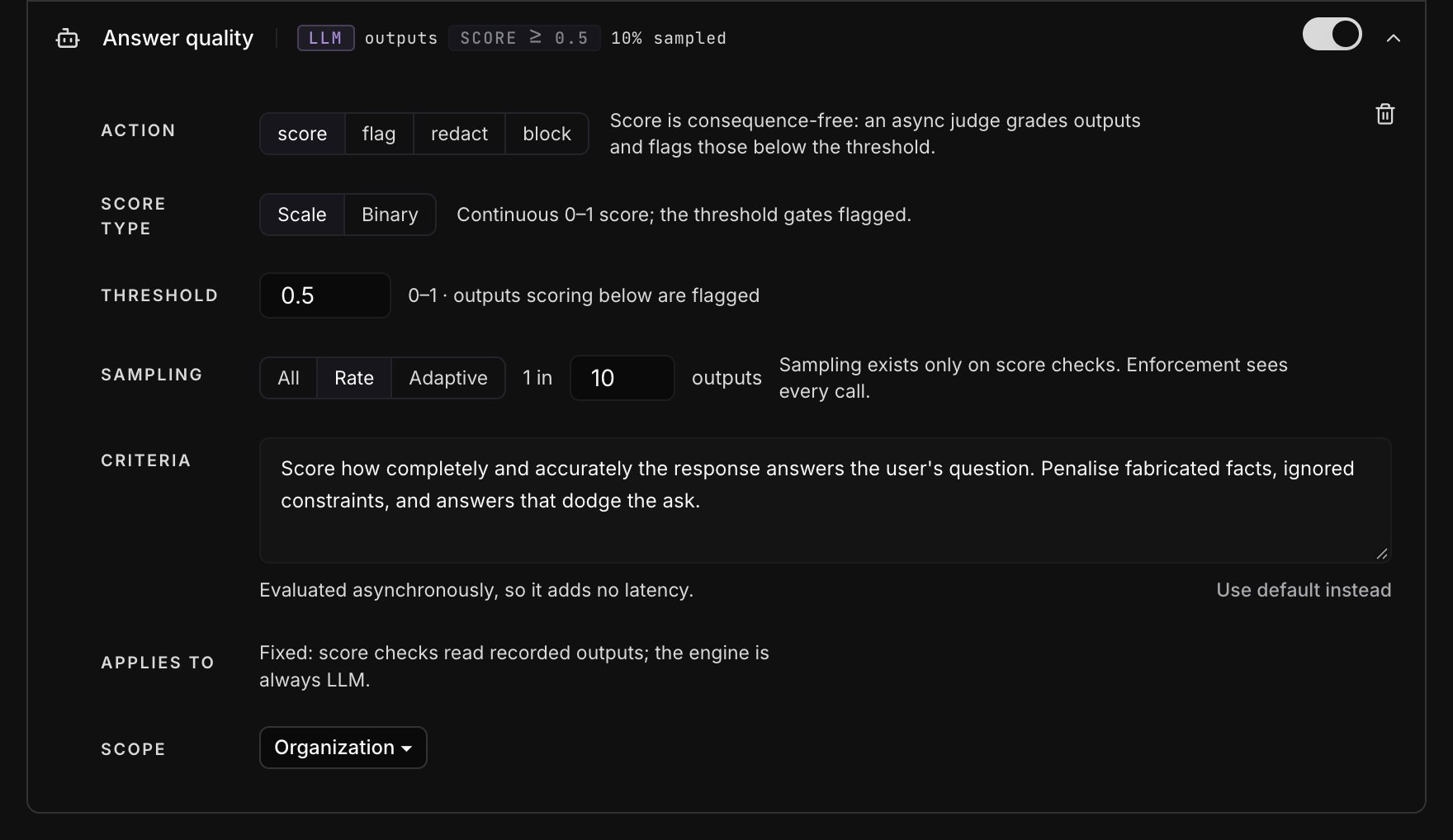
Score type
Sampling
Sampling controls how many outputs the judge evaluates and therefore how much the check costs.
Adaptive sampling keeps evaluation costs more predictable during traffic
spikes. If its counter is unavailable, Opper evaluates every output rather
than silently skipping them.
The judge model is managed by Opper and billed at the same flat rate for checks.
Disabling a score check stops queued evaluations before the next judge call
begins.
Run a check on request
A check set to Runs: on request stays off until a call names it in theX-Opper-Guards header, by its handle (shown on the check, for example
prompt-injection) or its id. Checks set to Always run on every call either
way.
400 content_blocked
and the reason, for example:
Set the scope
Run a check across the organization or limit it to selected projects.
If you choose Projects, select at least one project before saving.
When checks overlap
Every matching check runs; there is no priority order. If several checks apply to the same call, the strictest result wins. One blocking result is enough to reject the call. Rules highlights checks with the same name and overlapping scope so you can confirm that the overlap is intentional.Opper evaluates up to 32 checks per request, counting input and output
together. Any additional checks are skipped.