

platform.opper.ai/<your-org>/rules on plans that include Rules.
Whether you can view and change rules depends on your role in the
organization. See
Who can view and change rules.
Rules can also be managed from code: the
Management API lists,
creates, updates and deletes the same rules, with a management key carrying the
controls:write scope.What you can configure
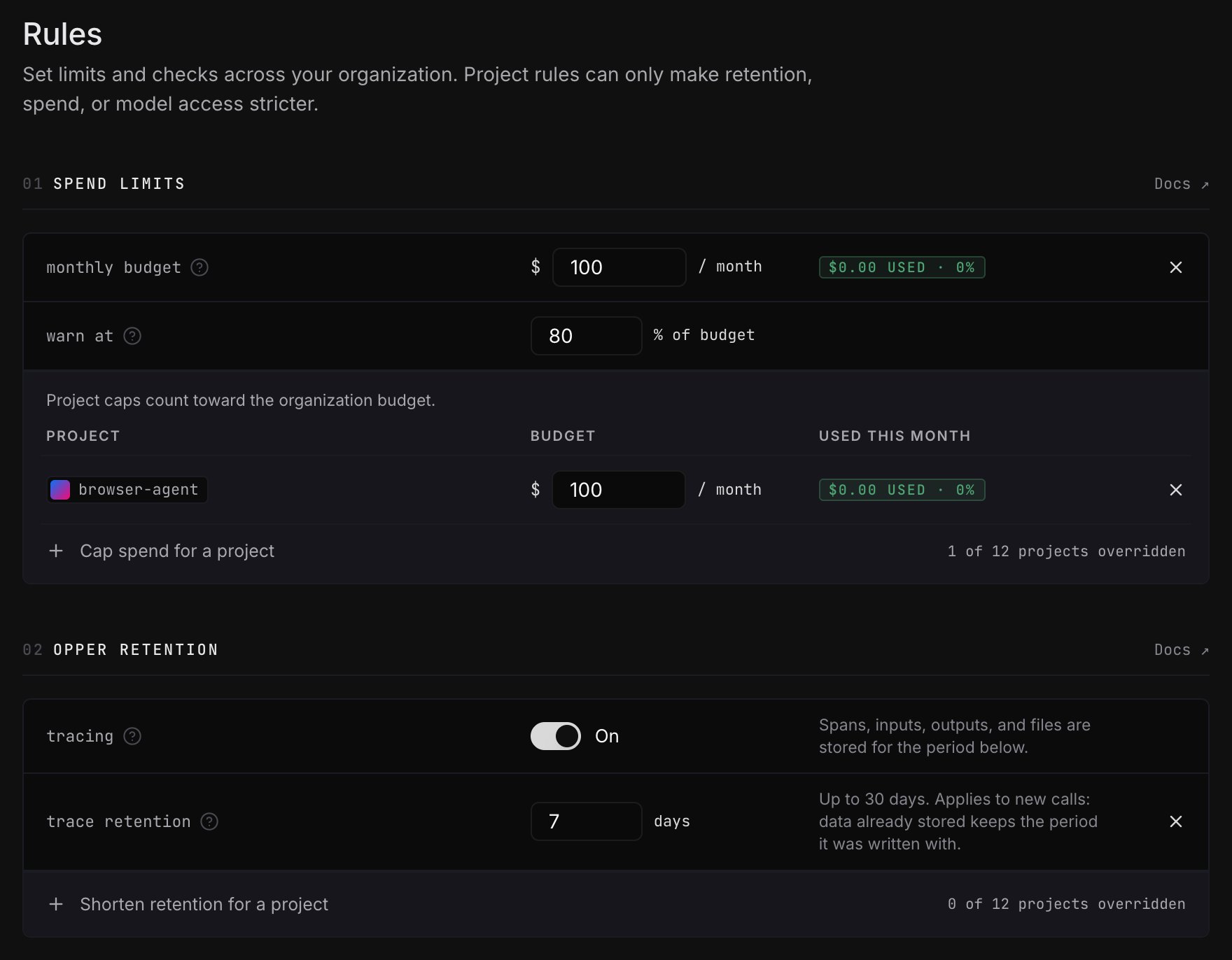
Opper retention
Turn Opper tracing on or off and choose how long to keep traces.
Spend limits
Set a monthly organization budget and optional project caps.
Model access
Restrict the providers, regions, countries, and models your apps can use.
Checks
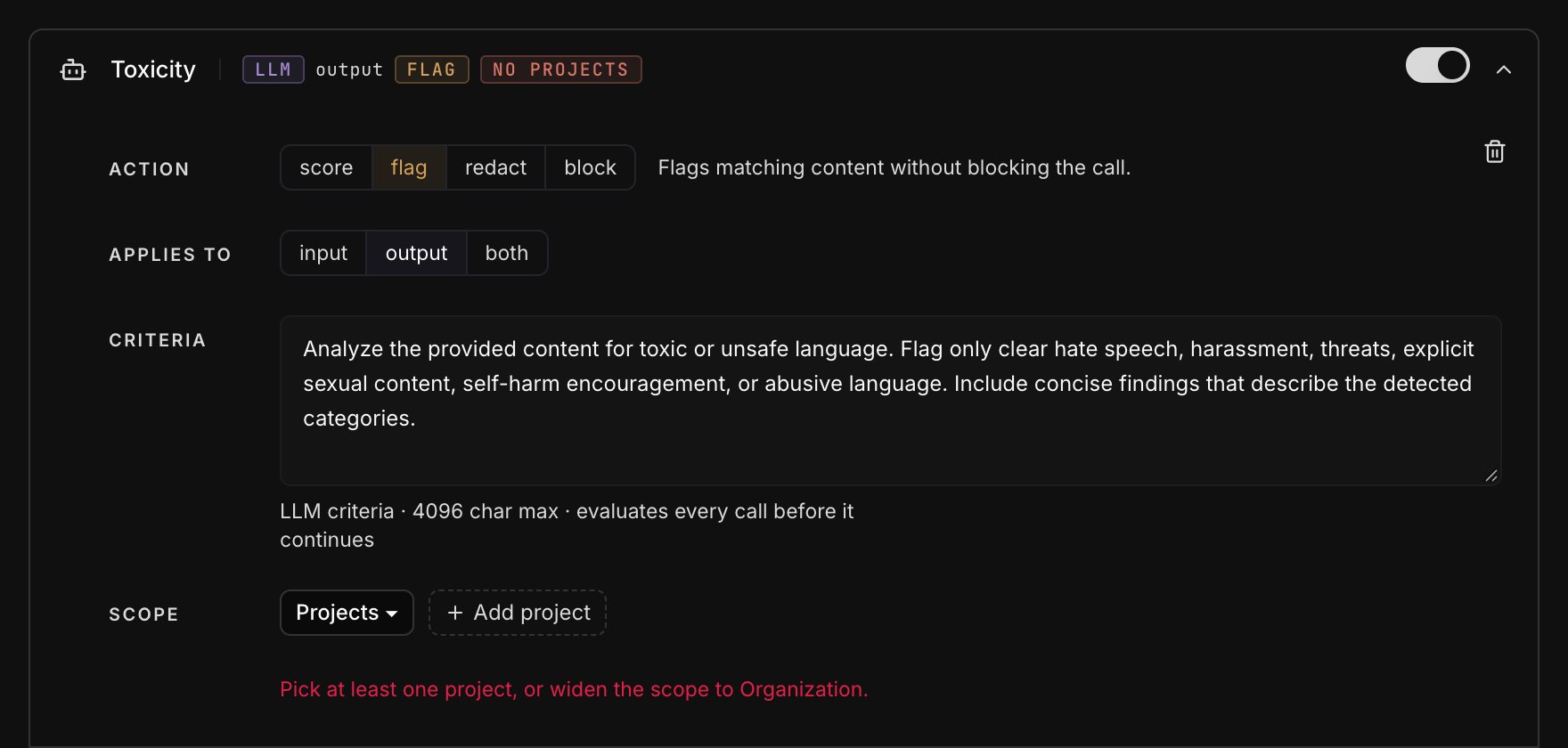
Score quality or flag, redact, and block content.
Routing
Choose which provider a model pool tries first.
Model access also applies to the deprecated v2 API. The one exception is a
model access rule scoped to a single function, which
/v2/call does not apply.
The v2 /call API stops working on 2026-11-01.Organization rules and project overrides
Start with an organization rule to set the default for every project. Add a project override when a workload needs a stricter policy.
Project overrides cannot loosen an organization rule. For example, a project
cannot use a provider blocked at the organization level or retain data for
longer than the organization allows. Routing is the exception: a project’s
order replaces the organization’s rather than narrowing it.
Overrides for retention, spend, model access, and routing appear directly
below their organization rule. For checks, choose the scope while editing the check.
Save a set of changes
You can edit several sections before applying them. Nothing changes until you select Save changes.
When no rules are configured
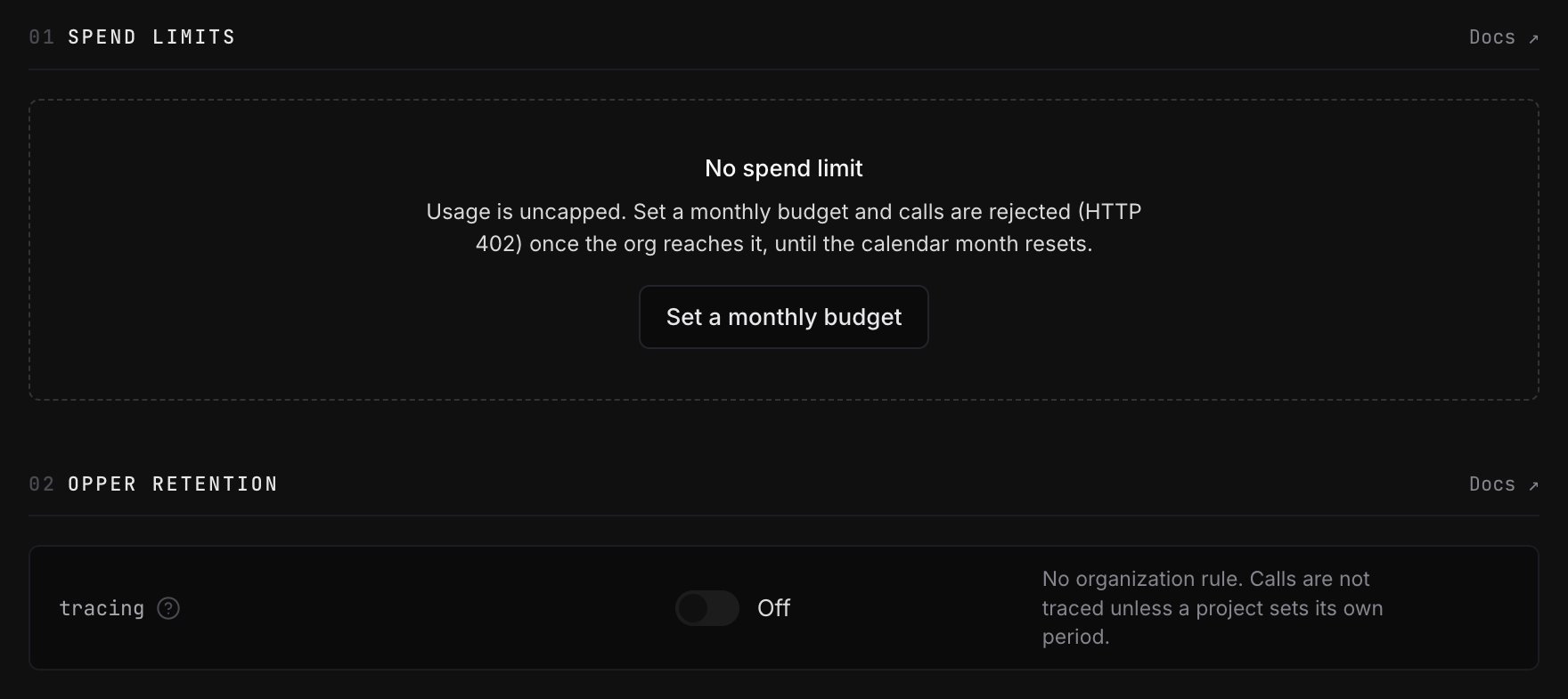
- Opper records usage metadata, which Logs lists, but does not store trace content such as inputs, outputs, or spans.
- Usage is uncapped.
- Every model in the catalog is available.
- No checks run.
Link to a rule
Each section has a stable URL fragment:
When trace storage is enabled, checks and model-access decisions appear as
events on the relevant trace span. Rules still enforce
when effective retention is zero or unset, but no trace content is stored.